All guides
Value · Tool
Value Isolator
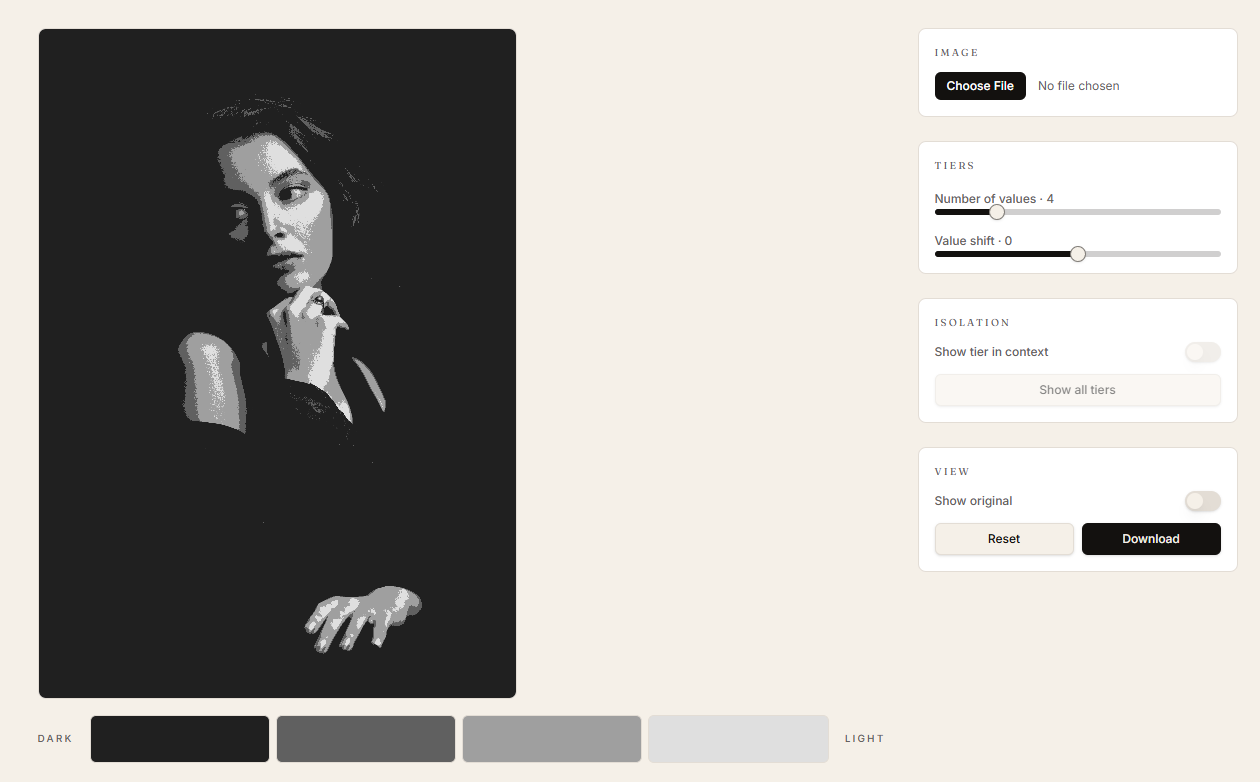
Collapse any image into 3–8 value tiers so you can see the value structure underneath the colour and detail.
When to use it
Before you start a painting, to plan your value plan. Or after, to check whether your shadow family really reads as one shape.
How to use it
- 01
Upload an image.
- 02
Set the number of tiers — start at 4 to see the bones, raise it to 6–8 to inspect transitions.
- 03
Click a swatch to isolate that single value tier.
- 04
Use the value-key shift slider to test the same scene as a high-key or low-key painting.
If your subject reads at 3 tiers, it'll read at 30. If it falls apart at 3, no amount of rendering will save it later.