All guides
Line & Shape · Tool
Grid & Proportion Overlay
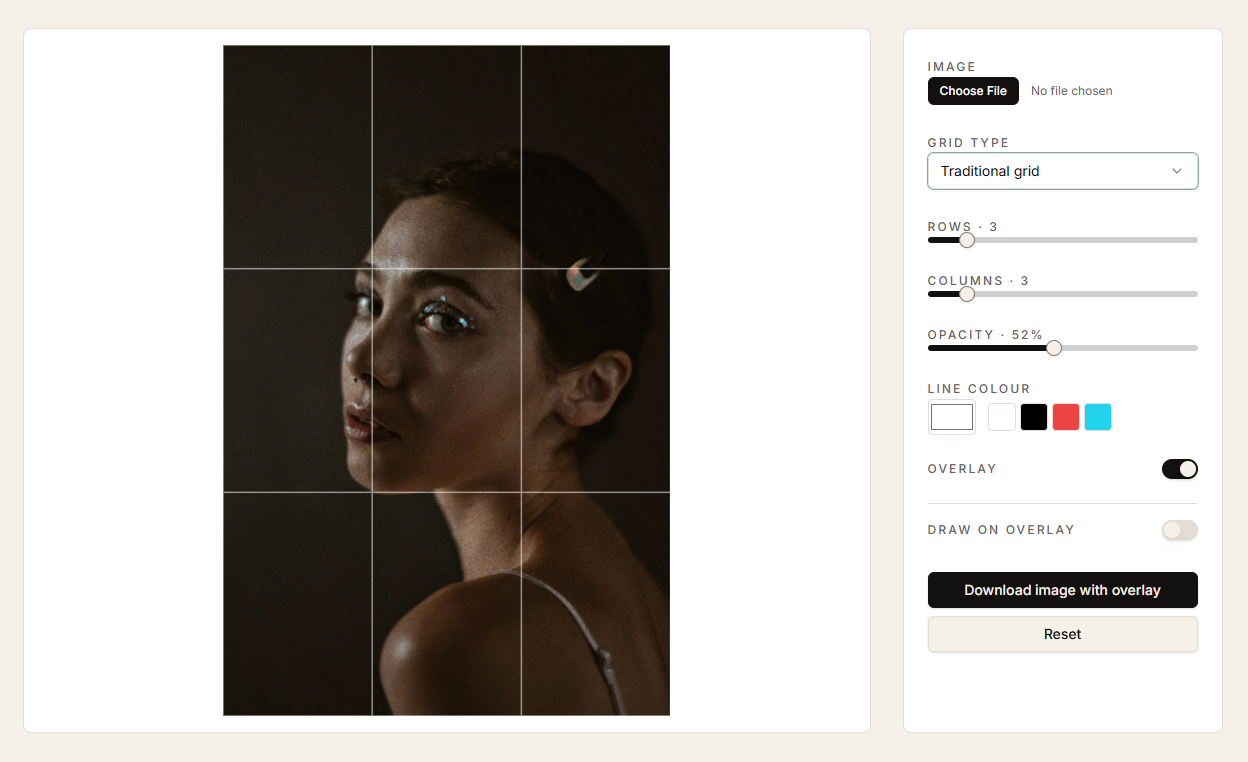
Drop programmatic grids — traditional, rule-of-thirds, golden ratio, triangles, diagonals — over any reference so you can see structure before you draw it.
When to use it
At the start of a study, when something feels off and you can't say why, or when you want to plan a composition before committing.
How to use it
- 01
Upload a reference image.
- 02
Pick a grid type that matches what you're investigating — thirds for placement, golden for flow, triangles for tension.
- 03
Adjust opacity and colour until the grid sits quietly on top of the image.
- 04
Optionally switch on 'Draw on overlay' to mark relationships directly.
Use two grids in sequence: a coarse one to block the big shapes, then a finer one to check a single passage you're unsure about.