All guides
Colour · Trainer
Colour-Matching Gym
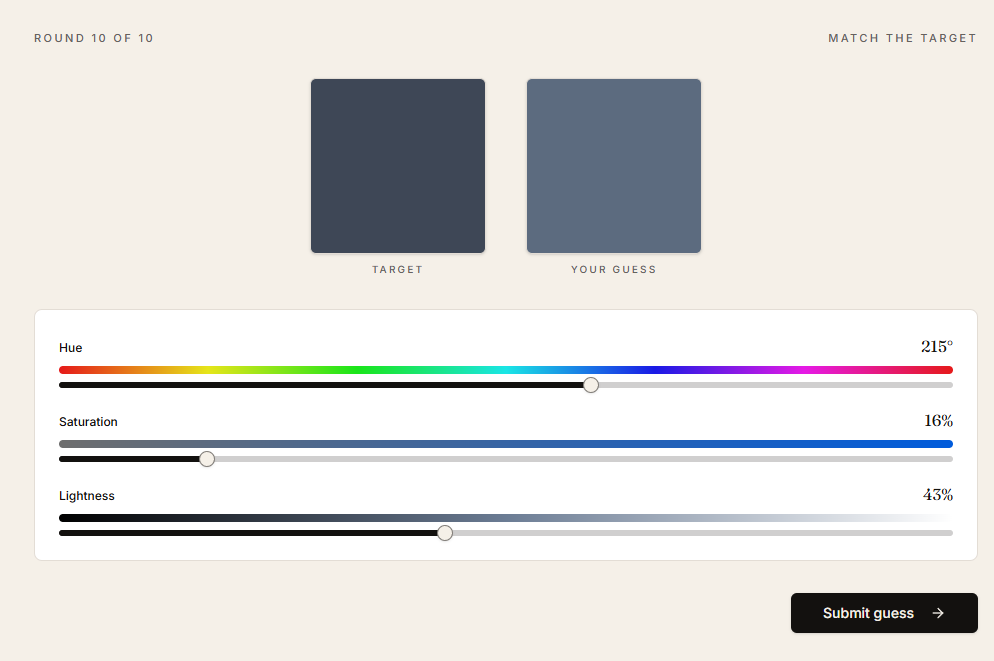
An in-browser eye trainer. Match target colours with HSL sliders and get per-axis feedback scored in CIE Lab.
When to use it
Daily eye training. Best as a short warm-up to calibrate your colour vision before painting.
How to use it
- 01
Pick difficulty and round count.
- 02
Each round, move the HSL sliders to match the target swatch and submit.
- 03
Read the reveal: signed hue, saturation, and lightness error per round.
- 04
End-of-session readout shows ΔE accuracy and which axis you bias toward.
Watch your bias readout, not just average ΔE. A consistent hue or lightness drift is the single most actionable thing to fix.