All guides
Colour · Tool
Colour Analyser
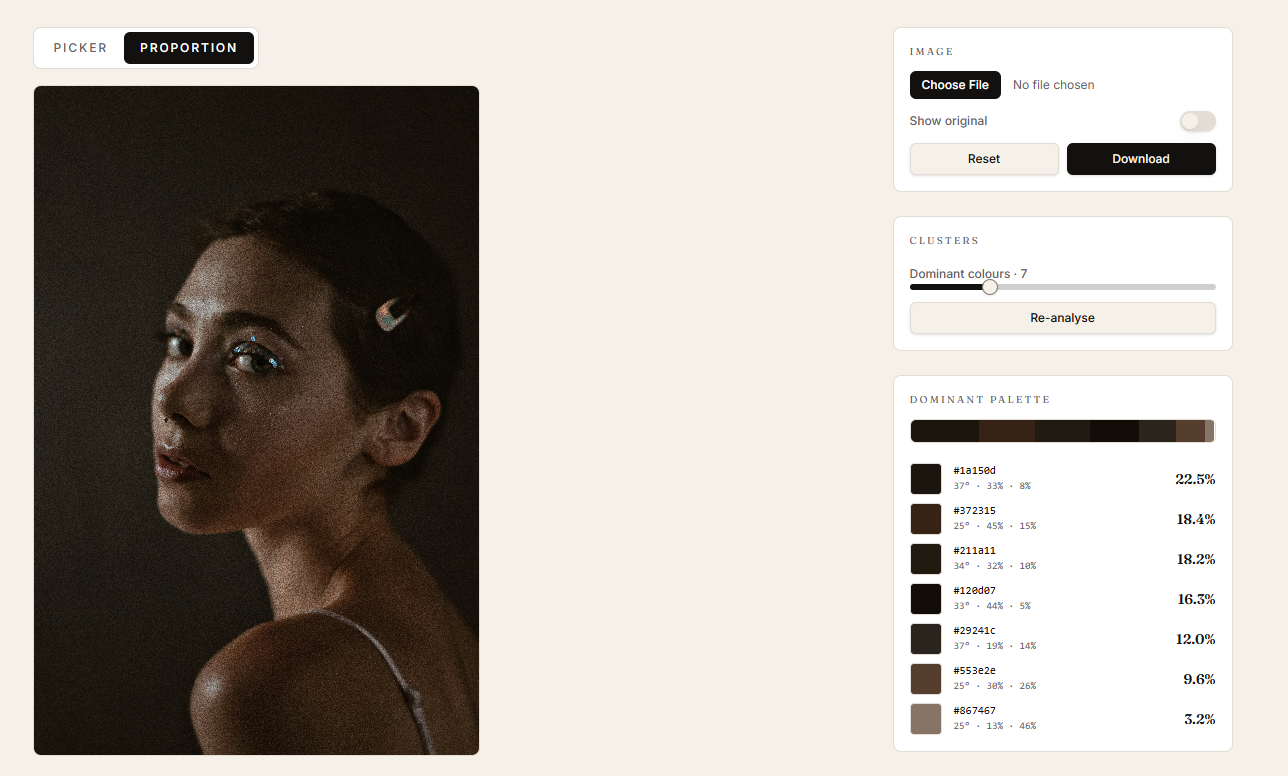
Sample any reference in two modes: pin-based picking with honest hue names, or k-means proportion breakdown with saturation and temperature splits.
When to use it
When a passage looks 'wrong' and you need to know what's actually there — or when you're studying a master's palette and want to see how the colours are distributed.
How to use it
- 01
Upload a reference.
- 02
In Picker mode, drop pins on areas you want to compare. Use 'hue isolate' to see only related hues.
- 03
Switch to Proportion mode to cluster the image into 6–10 dominant colours.
- 04
Toggle warm / cool / neutral isolation to see the temperature story.
Most 'grey' passages in good paintings aren't grey. The picker's surprise-hue naming exists to catch the violet-leaning, ochre-leaning, green-leaning greys you'd otherwise miss.